Use a menu people can read
Put item names, descriptions and approved prices in text. A photo of a menu can sit alongside it, but should not be the only way to work out what you serve.
One page, built by Matt
A food truck website should show a readable menu, where you plan to serve and how to ask about catering. I build a simple page you can share, with your approved schedule and a link to the ordering tool you already use.
Last updated: · By Matt Fehrsen
My first 5 clients pay $200 once, then $10 a month for life. After that it is $299 once + $15 a month.
You get 6 free design options and pay nothing until you love the design.
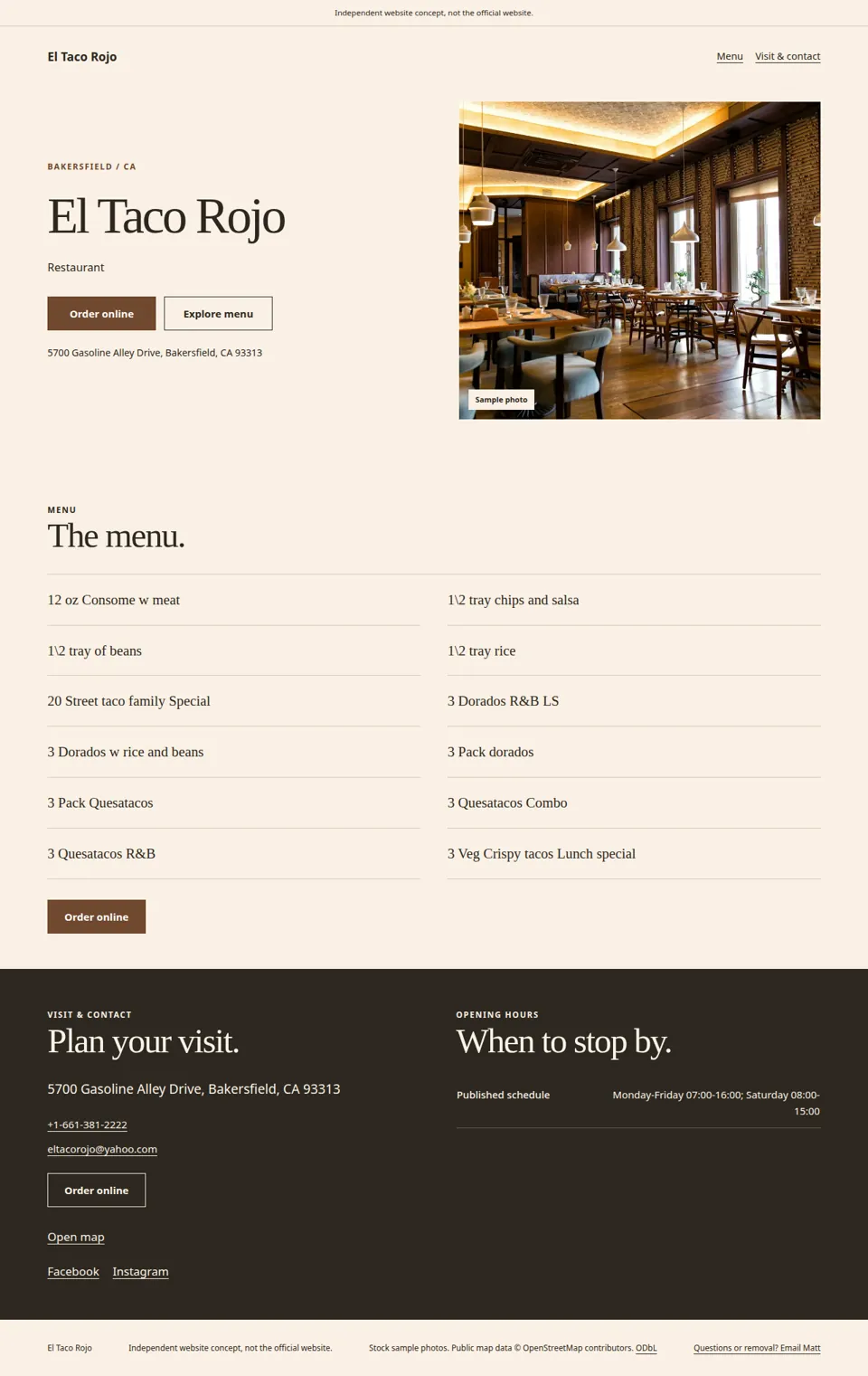
My suggested approach
I would give the menu and next stop room to breathe, then make catering enquiries easy to start.
Put item names, descriptions and approved prices in text. A photo of a menu can sit alongside it, but should not be the only way to work out what you serve.
List dates, times and locations you have confirmed. If plans change often, use a clear link to the place where you keep the current schedule and avoid implying the website tracks your truck live.
Explain how someone should ask about a private event. Ask them to email the date, location and guest count so you can decide whether the job fits.
Before I build
Start with a small menu and confirmed stops. I will leave unconfirmed plans out.
Send approved item names, prices and descriptions. Mark anything seasonal.
Include a time and location for each stop, or your maintained schedule link.
Send a working link if you already offer online ordering.
Choose the public email or number you want event enquiries to reach.
Use food and truck photos you have permission to publish.
A simple schedule, not live tracking. Small updates are covered by your monthly fee. This page is not a dispatch system, automatic location feed or custom ordering app. Keep time-sensitive updates in your maintained schedule too.
The offer
Email me your business name and what you do. Send your approved details and any page you already use.
I email you 6 free design options to choose from. Reply with what you want changed.
You pay nothing until you love the design. After you pay, your website and email go live the next day. Your Google listing takes a few more days, because Google checks your business first.
A mobile-friendly site on your own domain (like yourbusiness.com), a matching email address (like info@yourbusiness.com) that works in your Gmail, and your Google Business Profile set up. The monthly fee covers hosting, security and small updates. Everything happens by email, no calls.
I'm Matt Fehrsen, the founder of ShipWithCode, and I build every site myself.
Offer and builder details: ShipWithCode pricing and about Matt. Sample source: El Taco Rojo independent concept.
Questions
Yes. Email me the confirmed changes for a small site edit, or use a link to a schedule you maintain yourself. This offer does not include automatic live location tracking.
I can add a button to the ordering page you already use. Building a new checkout, taking payments or managing orders is outside this one-page offer.
No. El Taco Rojo is a related restaurant concept we built independently. It illustrates a menu and ordering-link layout, not a food truck commission or a paying customer.
My first 5 clients pay $200 once, then $10 a month for life. After that it is $299 once and $15 a month. You get 6 free design options and pay nothing until you love the design.
Your website and email go live the next day after you pay. Your Google listing takes a few more days, because Google checks your business first. Everything happens by email with me, Matt Fehrsen. I build every site myself. No calls.
Don't love it after it's live? You get every dollar back within 30 days.
No. I cannot promise rankings, traffic, customers or a mention in ChatGPT, Perplexity or Google AI Overviews. I build a clear website with the information you approve.
Tell me your business name and what you want on your site. I read and reply myself, by email.